
Why the processor badge is only the beginning
An Intel Core i7 or AMD Ryzen 7 label tells you a processor family or performance tier, not how quickly a particular used laptop will run. A recent Core i5 may outperform an older Core i7 for the tasks you actually do. Generation, architectural design, power limits, and memory can matter more than the badge. A seller who lists only “i7 laptop” has left out essential information. Ask for the complete processor model instead.
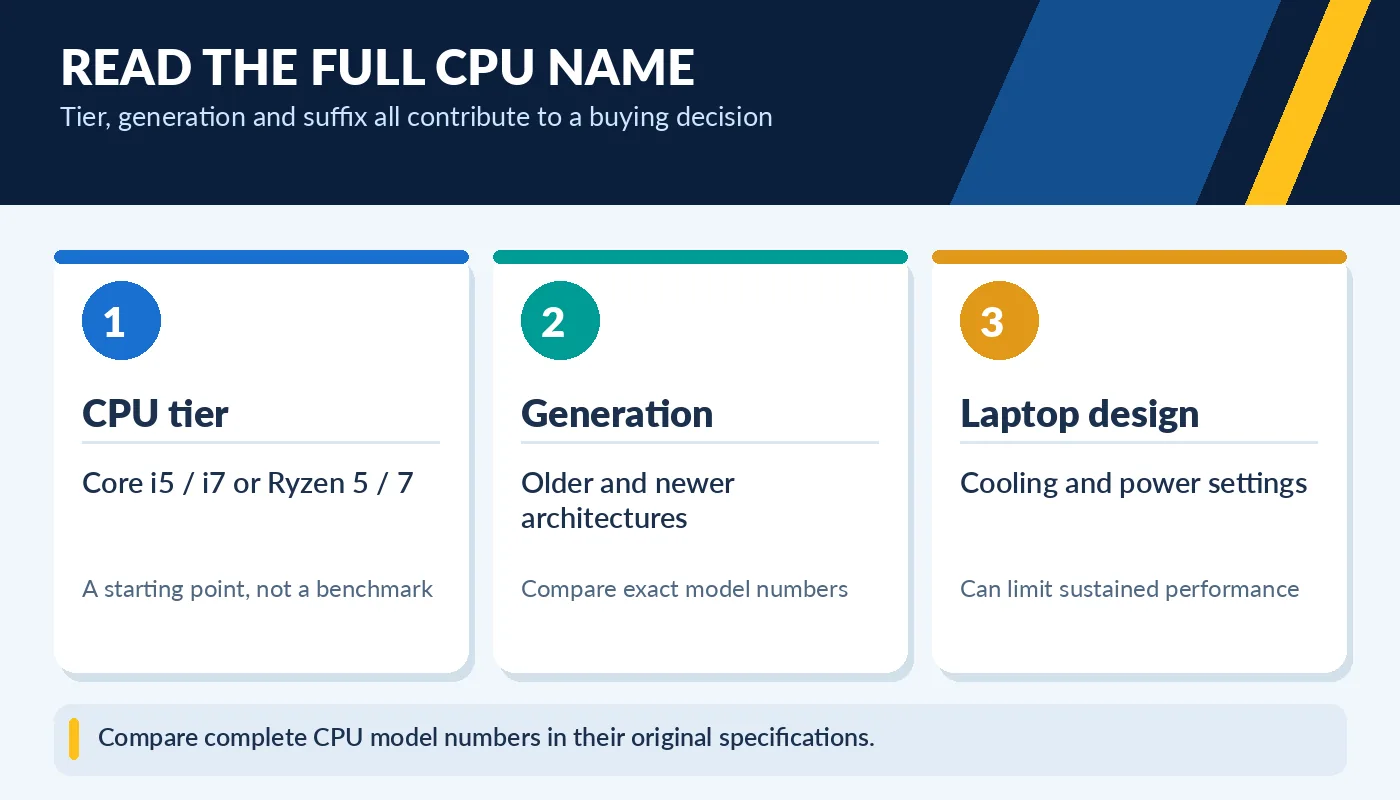
Compare complete CPU model numbers in their original specifications.
Start in Windows at Settings > System > About, or open Task Manager > Performance > CPU to read the complete chip name. A listing such as Core i5-1345U gives you useful details that “Core i5” does not. Do not assume every machine with the same chip performs identically, because the manufacturer controls cooling and sustained power. For a used computer, evaluate the actual machine as well as the chip.
Understand generations and Intel laptop suffixes
Intel uses familiar i5 and i7 branding on many older Core products, while newer Core and Core Ultra products use revised naming. For older Core i-series processors, the digits immediately after i5 or i7 generally indicate the generation. An i7-10610U is a 10th-generation model; an i5-1345U is from the 13th generation. This naming rule does not carry over unchanged to all Core Ultra families, so verify the model at Intel’s product information page.
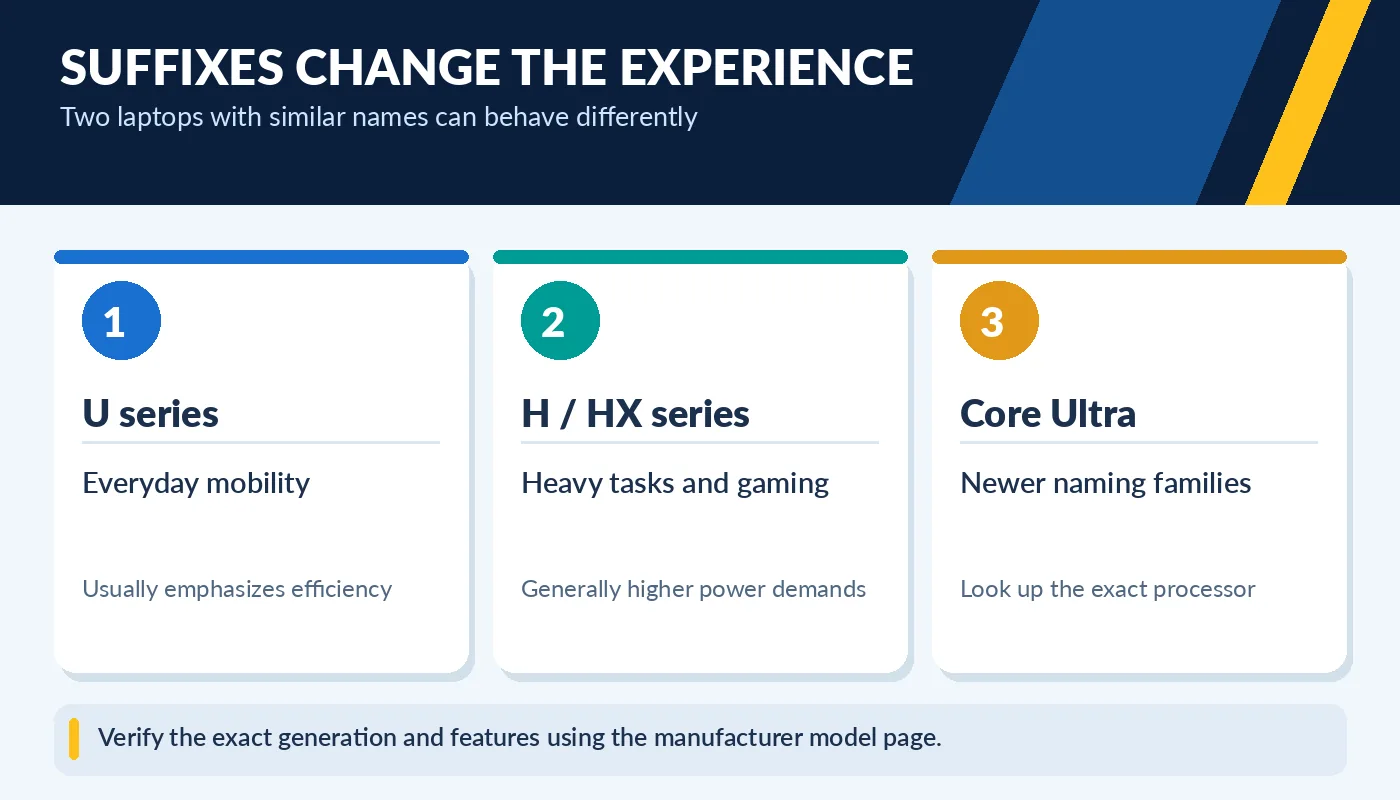
Verify the exact generation and features using the manufacturer model page.
The suffix also matters. Intel U-series laptops generally prioritize power efficiency, while H and HX designs favor more processing power with higher cooling demands. A slim U-series office laptop may stay quiet and deliver good battery life; a thicker performance workstation may sustain heavy workloads better. AMD Ryzen mobile model numbers have their own naming and architecture histories. Avoid treating Ryzen 7 against Ryzen 5, or Intel against AMD, as a single universal performance ranking.
Match the CPU to the work you do
For web browsing, email, streaming, office documents, and video calls, a healthy modern midrange CPU is often sufficient. More RAM, an SSD, and a good screen may improve the overall experience more than paying for an older i7 sticker. For large spreadsheets, software development, demanding multitasking, and regular photo editing, check sustained performance and available memory. For 3D work, advanced video editing, and games, investigate the graphics processor too.
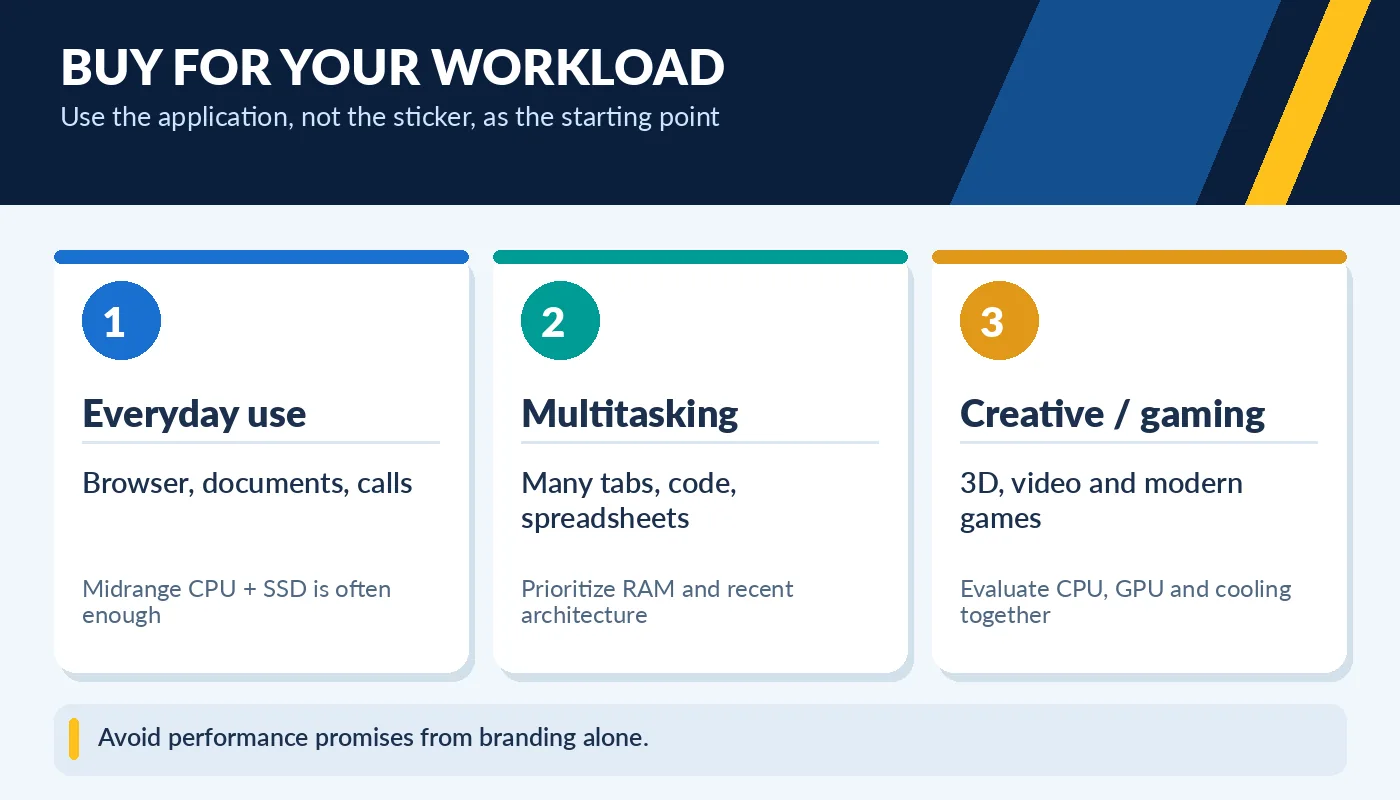
Avoid performance promises from branding alone.
A CPU comparison chart can tell you core counts, cache, and theoretical specifications, but real results depend on cooling, plugged-in performance, and the applications being run. If you are shopping for a student, consider portability and battery condition alongside processing speed. If you are shopping for a workstation, check fan noise during a demanding task and inspect its original power adapter. The right CPU is the one that fits the whole laptop.
A five-minute used-laptop CPU comparison
When comparing two used laptops, write down the complete CPU model, generation, installed memory, SSD size, screen resolution, and current battery condition. Then search the exact two processor numbers on the manufacturers’ specification pages or a credible benchmark source. Compare machines at similar power classes; an ultrathin 15-watt-class system and a bulky gaming laptop are built for different purposes.
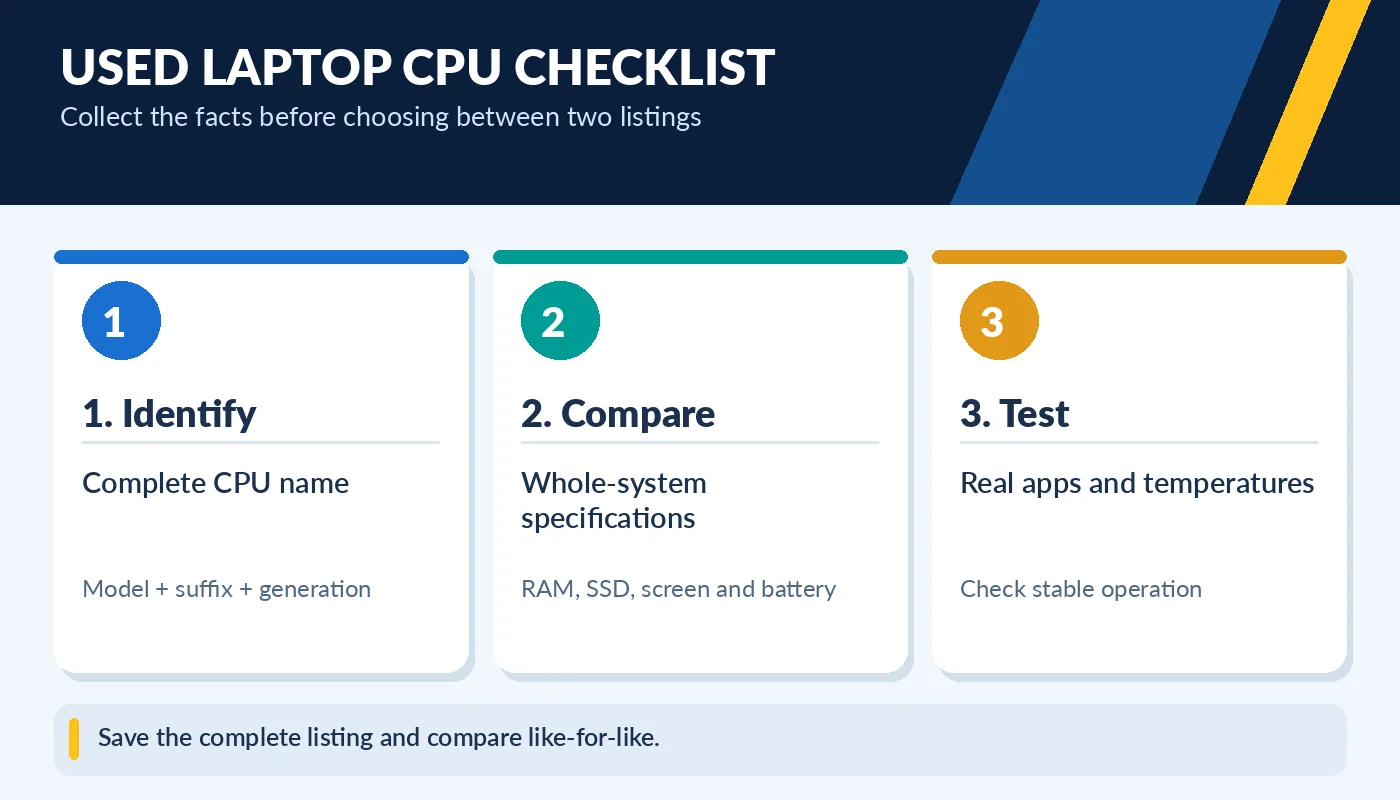
Save the complete listing and compare like-for-like.
Open Task Manager and watch CPU usage during your usual applications. A laptop that idles at unusually high temperatures, throttles quickly, or shuts down during a normal workload may require further inspection. Check whether the memory can be upgraded, whether Windows 11 is officially supported, and whether the included charger matches the system. This process is more useful than buying whichever listing says “i7” in the largest font.
Do not overlook the rest of the laptop
An efficient processor in a laptop with a dim screen, failing battery or 4GB of non-upgradable RAM can feel like a worse purchase than a slightly slower processor in a balanced machine. Consider whether the laptop has the ports you need for monitors, whether it supports your preferred operating system and whether a compatible charger is included. Office laptops that are easy to service can be especially appealing when shopping used. Their keyboards, hinges and thermal design deserve the same attention as their CPU model.
If a seller provides a stock benchmark score, ask what version of the benchmark was used and whether the laptop was running on AC power. A single score does not prove a system is healthy. Combine comparative data with actual performance in your software, battery behavior, and the seller’s description. When possible, test both contenders doing the same work for a few minutes. That gives you evidence tied to your needs, not just to a number in an advertisement.