
The iPad model determines the Pencil choice
Before buying a stylus, find your exact iPad model. Open Settings > General > About and note the Model Name and Model Number. Two iPads with similar screen sizes can support different Apple Pencil generations. A second-generation Pencil does not work with every USB-C iPad, and buying the newest Pencil Pro will not make it work with an older iPad. This is one of the easiest accessory-shopping mistakes to avoid.
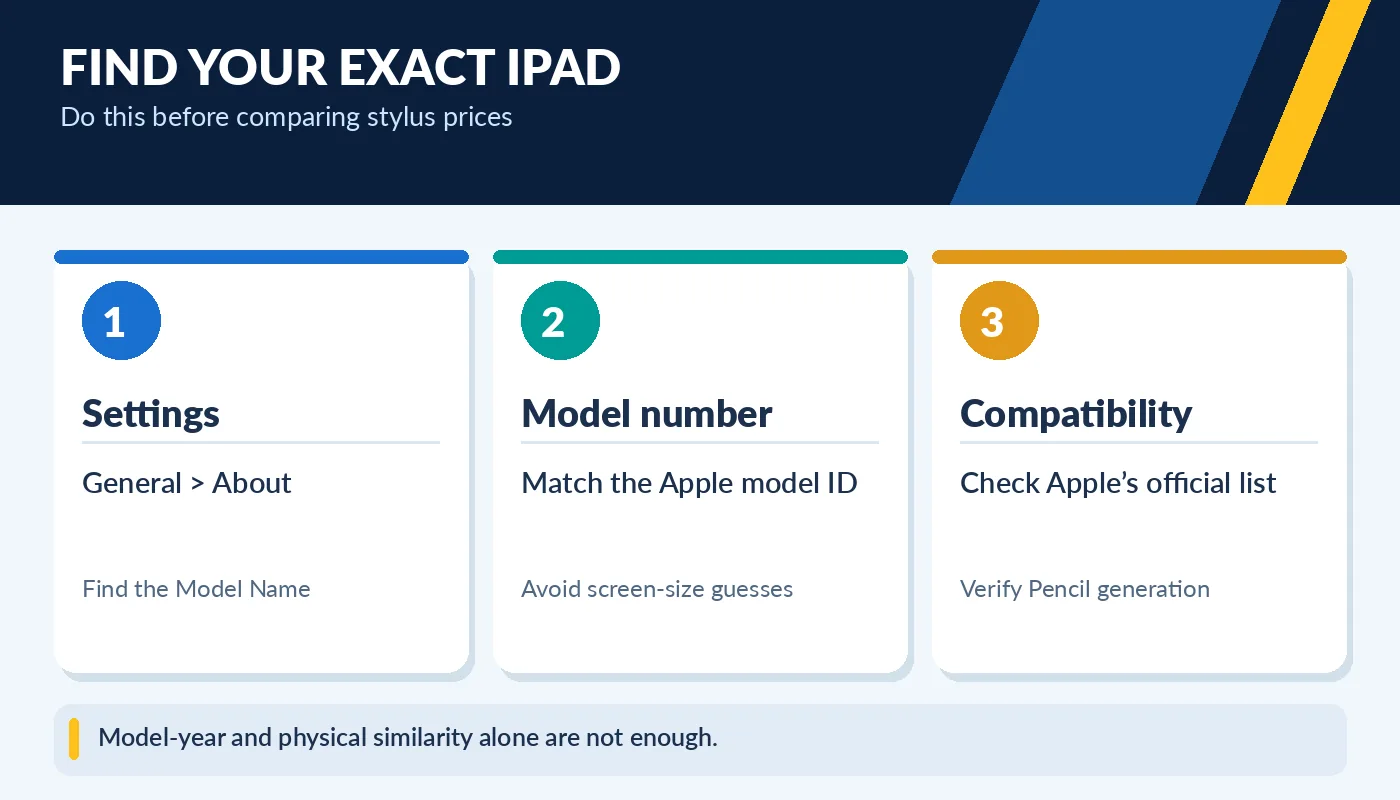
Model-year and physical similarity alone are not enough.
Apple maintains a detailed compatibility list for each Apple Pencil product. Use that list as the final authority rather than assuming that magnetic attachment, a USB-C port, or an advertisement that says “works with iPad” proves support. Also verify the iPadOS version required for the Pencil model. Shopping for a used iPad and Pencil together is simpler when the exact model numbers appear in both listings.
First generation, second generation, USB-C and Pro
The original Apple Pencil supports selected older iPads and uses a distinctive charging and pairing method. Apple Pencil (2nd generation) pairs and charges magnetically on compatible iPads such as some iPad Air, mini and older iPad Pro models. Apple Pencil (USB-C) connects by USB-C for pairing and charging and can magnetically attach to certain compatible iPads for storage. It is designed for notes and markups but does not offer the same pressure-sensitivity features as the more advanced Pencils.
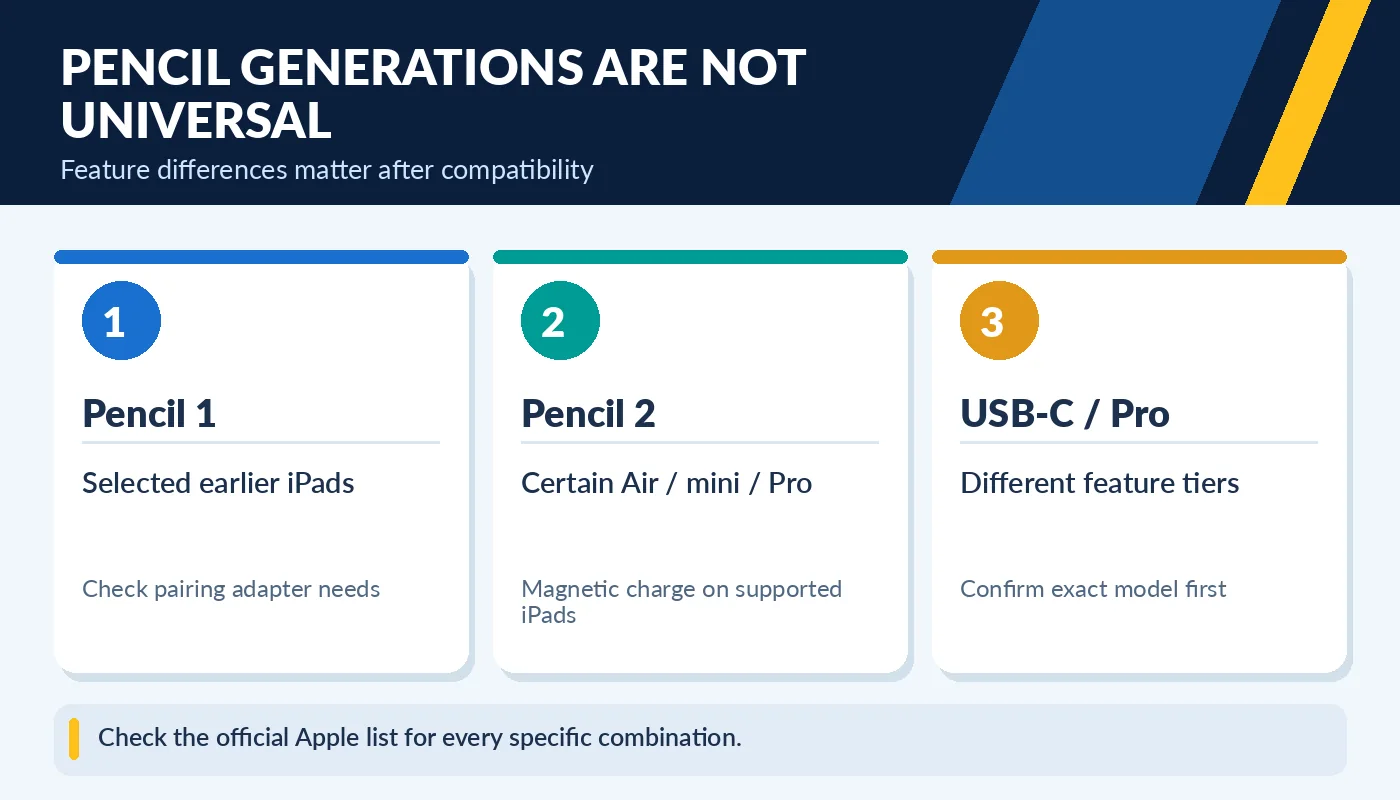
Check the official Apple list for every specific combination.
Apple Pencil Pro adds advanced controls on specific newer iPad Pro, Air and mini models. These features only matter when both the iPad and the app support them. An artist may care about brush response and extra controls; a student annotating PDF documents may only need accurate writing. Choosing by use case helps prevent paying for an incompatible or unnecessary accessory.
What to test when buying a used Apple Pencil
Ask the seller to demonstrate pairing and writing on a compatible iPad. Check for a responsive tip, consistent lines, and successful charging. Examine the nib for abnormal wear, the barrel for cracking or bends, and the charging connector or magnetic edge for damage. A stylus that looks clean but cannot pair or hold a charge may not be a useful deal.
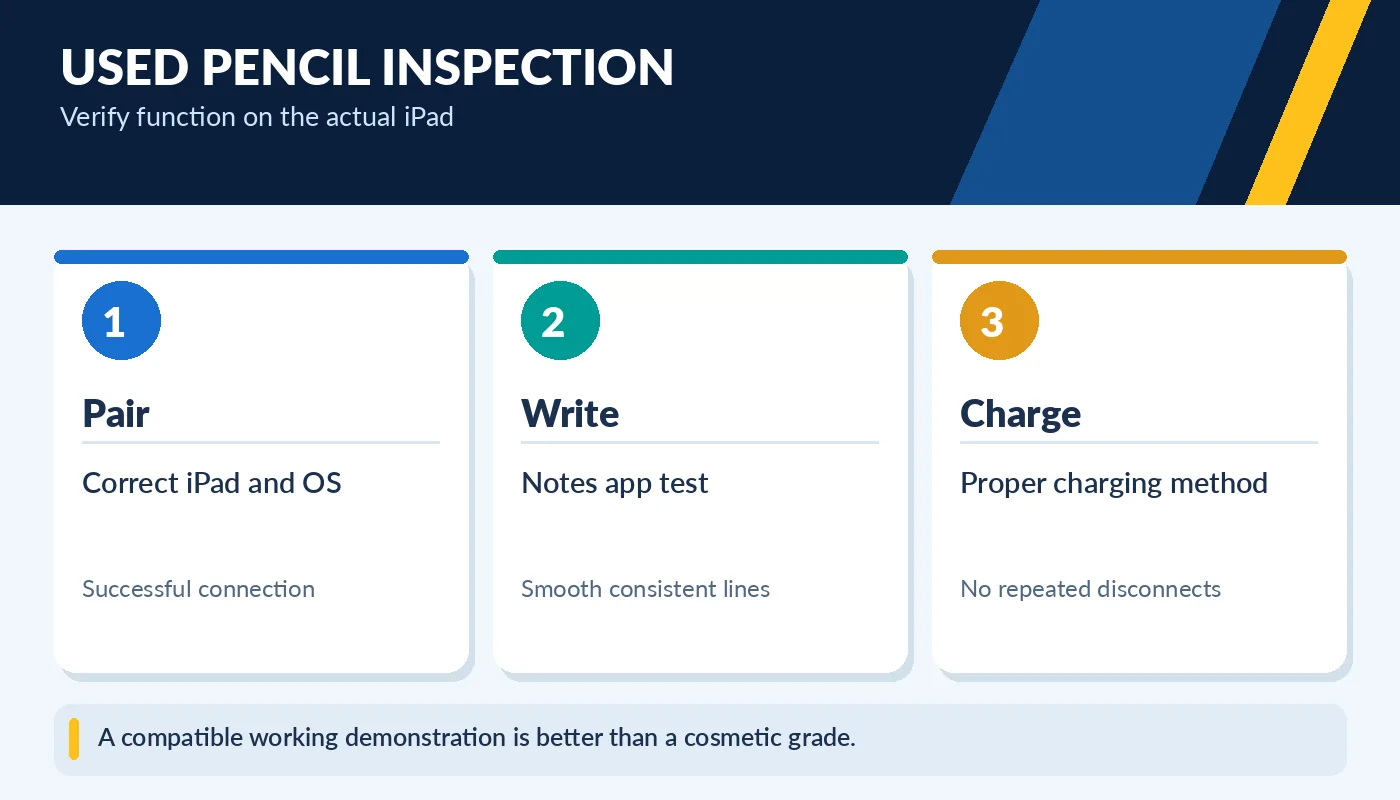
A compatible working demonstration is better than a cosmetic grade.
Do not mistake an incompatible Pencil for a broken one. If it will not pair, verify the exact models and pairing procedure first. For the original Pencil used with USB-C iPads, a required adapter may be missing. For a USB-C Pencil, make sure the correct charging cable is available. If you are uncertain, purchase the iPad and stylus together from a seller who can demonstrate their compatibility.
Avoid the common accessory traps
Search results often mix original Apple Pencils with third-party styluses. Some inexpensive third-party pens write well but do not offer every Apple Pencil feature. Read the exact brand and product model rather than buying solely from a thumbnail. Look out for missing tips, adapters, caps and boxes, but do not assume a missing retail box means the pen is defective.
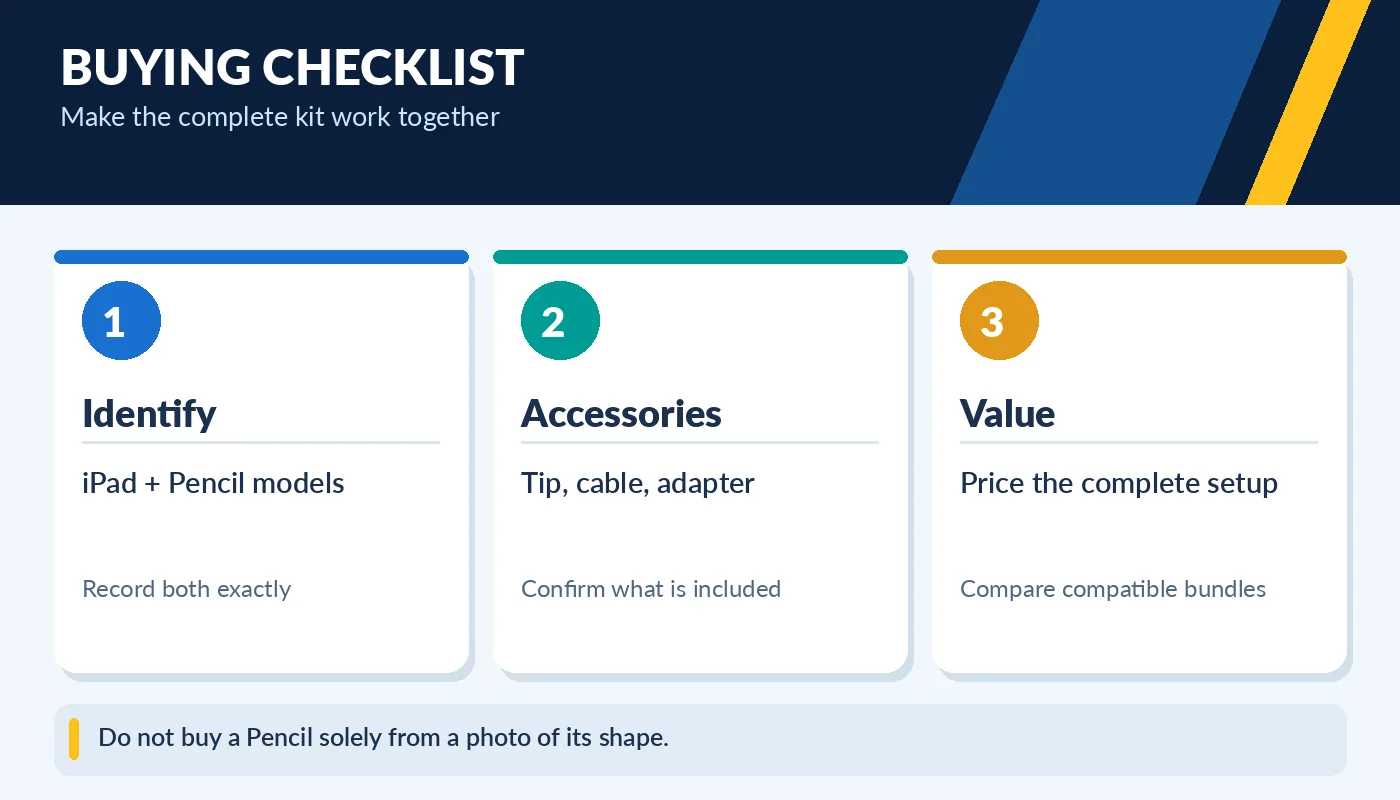
Do not buy a Pencil solely from a photo of its shape.
When buying a used iPad, ask whether the stylus is included, optional or sold separately. Calculate the total cost of the tablet, Pencil and any required keyboard or case before comparing it with a more expensive bundle. A slightly older compatible iPad plus the correct used Pencil may be a better learning setup than a newer iPad paired with the wrong pen.
Think about how the stylus will be used
Handwritten class notes, signing documents and marking PDFs need a different feature set from pressure-sensitive digital painting. Try the stylus with the app you expect to use. For example, a casual note taker may prioritize reliable palm rejection, a comfortable tip and convenient charging. An illustrator may place more value on pressure response, tilt behavior and additional controls. Even a perfectly compatible Pencil cannot provide features an app or particular model does not support.
For children or shared family iPads, think about keeping the cap, tip and charging accessories together. A protective sleeve and consistent storage spot can prevent a small, expensive accessory from being lost. If you buy an older iPad to save money, calculate the cost of the compatible pen as part of the package. The correct used accessory with a working battery is more useful than a more expensive newer Pencil that cannot pair with your tablet.